Electrical Feature of the Month: Find Circuit

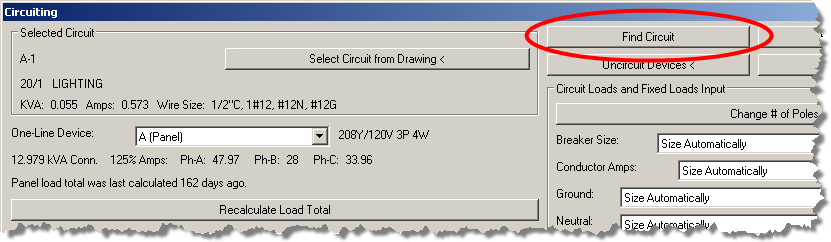
When working on a project, do you ever have trouble locating the devices on a specific circuit? The “Find Circuit” button can help!
This button is located on the “Circuiting” dialog. You select a circuit and then press this button. The devices that are connected to the circuit will be highlighted.
If no devices on the current drawing are connected to the circuit, a message will be displayed telling you on what drawing the devices are located. You can then open that drawing and press the “Find Circuit” button again.