HVAC Feature of the Month: Zone Trees

Learn about how to group zones in other zones using Design Master HVAC.
Learn about how to group zones in other zones using Design Master HVAC.
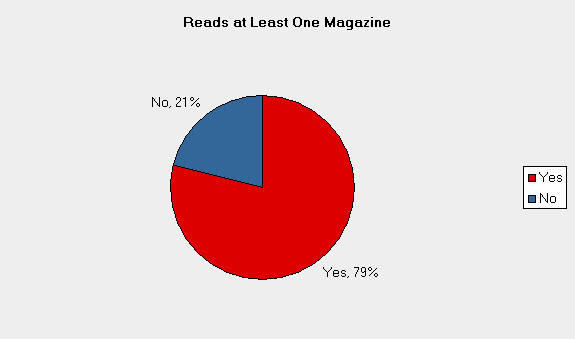
Last month we included a survey in our newsletter asking about social media (blogs, LinkedIn, Twitter). The results of this survey were very clear. No one really uses, or even wants to use, social media.
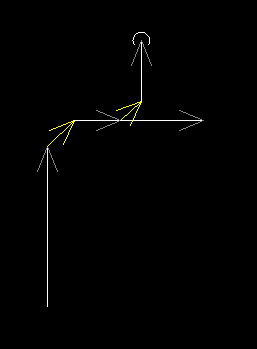
Learn about how Design Master Plumbing automatically inserts 45 degree fittings for you.
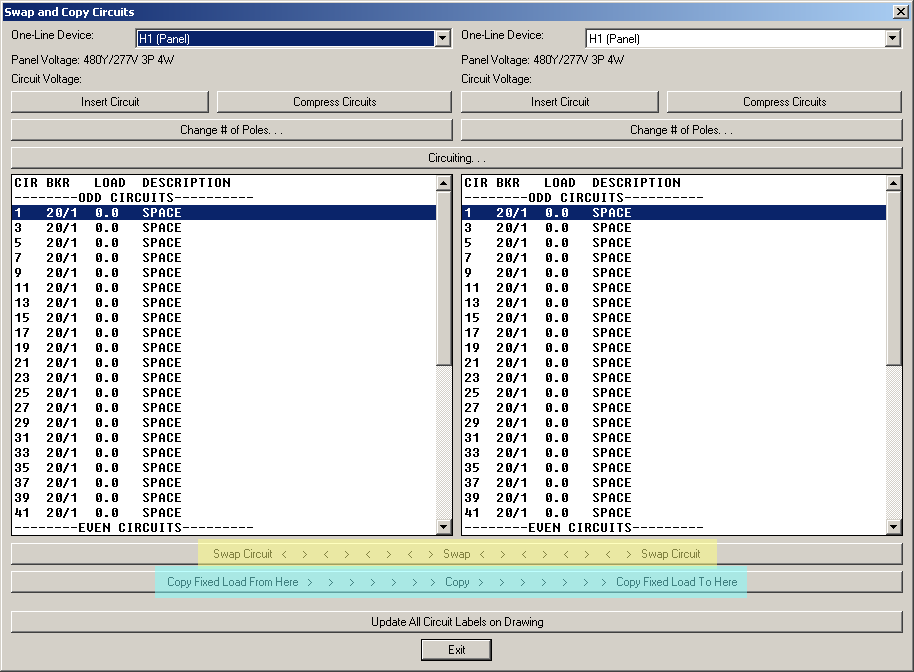
Learn about the “Swap and Copy Circuit” command in Design Master Electrical.
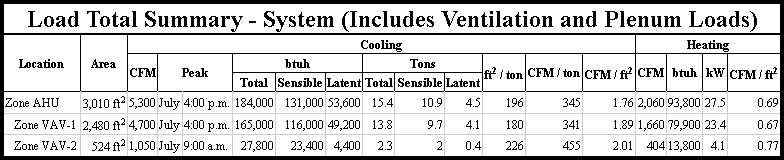
Lean about building load calculations in Design Master HVAC.
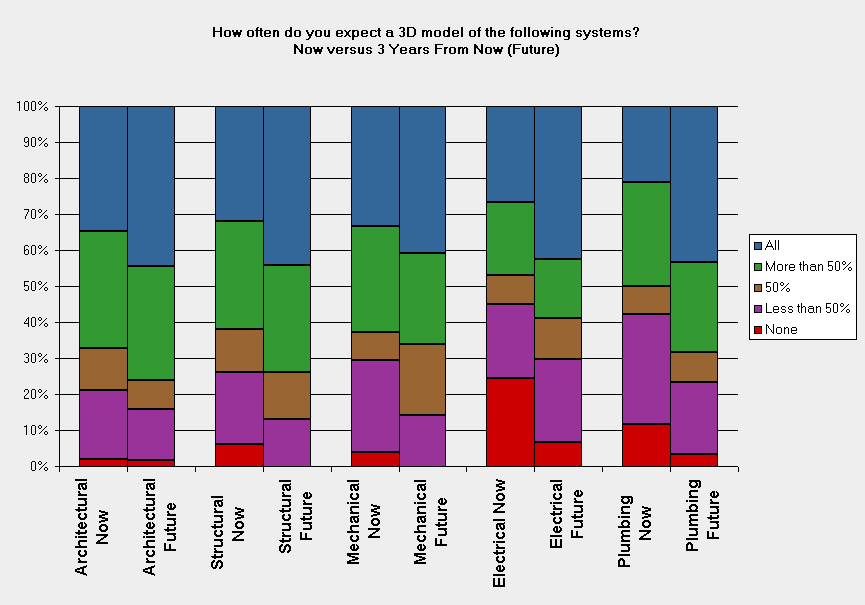
Last month, we conducted a survey of engineers and designers in the MEP industry to learn about their experiences using building information modeling (BIM). A link to the survey was included in our monthly newsletter, on various LinkedIn groups, on Autodesk’s AutoCAD MEP forum, and on AUGI’s Revit MEP forum. We received 70 responses from individuals working in the United States which confirmed our general sense of the industry: everyone is talked about BIM, but it is not yet common practice.
Time and again, a simple support call from a customer ends with the question, “By the way, are you doing anything with Revit? I’m getting a lot of pressure from my architects to start using it.” It used to be a monthly question, but now we are asked this a few times a week. We know that our answer to this question is becoming more and more of a concern for our customers. Let me share with you what we are doing to allow you to continue to use Design Master and keep your Revit-using architects happy.
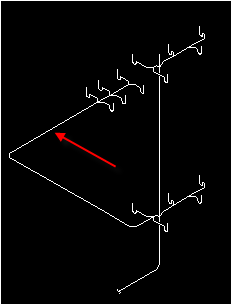
Learn about isometric riser diagrams in Design Master Plumbing.
Learn about one-line riser diagrams in Design Master Electrical.
Learn about exporting HVAC ductwork in IFC format.